


#VisualCopilot #Figma #BuilderIO
Visual Copilot — A Tool for Converting Figma Designs into Code
Visual Copilot, developed by Builder.io, is an AI tool that automates the process of transforming Figma designs into high‑quality code for web and mobile applications. It accelerates development, minimizes manual coding, and improves collaboration between designers and developers.
1. What is Visual Copilot?
Visual Copilot is a plugin for Figma that uses artificial intelligence to generate code from designs. It supports frameworks like React, Vue, Svelte, Angular, Qwik, Solid, HTML, and React Native, and styling systems such as Tailwind CSS, Emotion, Styled Components, and CSS Modules. It integrates with modern editors (Cursor, Windsurf) and provides a CLI for automation.
Key Features:
- One‑click Code Generation: Transforms Figma layers into ready‑to‑use components.
- Responsiveness: Generates code that adapts across all screen sizes.
- Integration with Existing Components: Links Figma components to your codebase.
- AI Model: Trained on 2M+ data points, uses Mitosis compiler and LLM for clean, production‑ready output.
2. How Visual Copilot Works
Installation:
- Open Figma and click on Actions (three‑dot menu).
- Select Plugins & Widgets, search for "Builder.io AI‑Powered Figma to Code".
- Click Install or Run, and authenticate if prompted.
- Plugin appears under Plugins menu for code generation.
Code Generation from Figma:
Select a frame or layer, choose target framework (e.g., React + Tailwind CSS), and receive generated code. The tool analyzes fonts, colors, spacing, and images to produce pixel-perfect components.
CLI for Automation:
The Visual Copilot CLI (launched in 2025) synchronizes design updates with your codebase. Run npx visual-copilot to update only modified parts, preserving manual edits.
Lovable for Prototyping:
Integration with Lovable generates full‑stack prototypes (React/Vite frontend + Supabase backend), ideal for MVPs and rapid iteration.
3. Advantages of Visual Copilot
- Speed: Cuts design‑to‑code time by 50–80%.
- Flexibility: Supports multiple frameworks and styling systems.
- Accuracy: Ensures fidelity even if Auto Layout is imperfect.
- Iteration Automation: CLI and editor integration simplify updates.
- Team Synergy: Bridges designers and developers through direct code generation.
4. Limitations
- Design Quality: Requires proper use of Auto Layout and clear layer hierarchy.
- Static Components: Generates UI only; complex logic and animations need manual coding.
- Subscription: Paid model may be a barrier for small teams.
- Complex Layouts: Multi‑layered designs may require manual adjustments.
5. Practical Applications
- Rapid Prototyping: Generate landing pages, forms, and cards instantly.
- MVP Creation: Use Lovable + Supabase for full‑stack prototypes.
- Iterative Updates: Sync design changes via CLI.
- Collaboration: Streamline handoff from design to code.
Scenario: Designer creates a form, Visual Copilot generates React + Tailwind code in 1 minute, developer adds Zod validation and API calls, then CLI syncs new design updates.
6. Recommendations for Use
- Use Auto Layout in Figma for responsiveness.
- Configure
.builderrulesand.cursorrulesto enforce code standards. - Keep plugin and CLI updated for the latest features.
7. Conclusions
Visual Copilot radically accelerates Figma‑to‑code workflows, offering framework versatility, pixel‑perfect accuracy, and CLI/editor integration. While it requires quality Figma layouts and a subscription, it sets a new standard in 2025 for UI automation, reducing manual work and boosting team productivity.

More Blogs
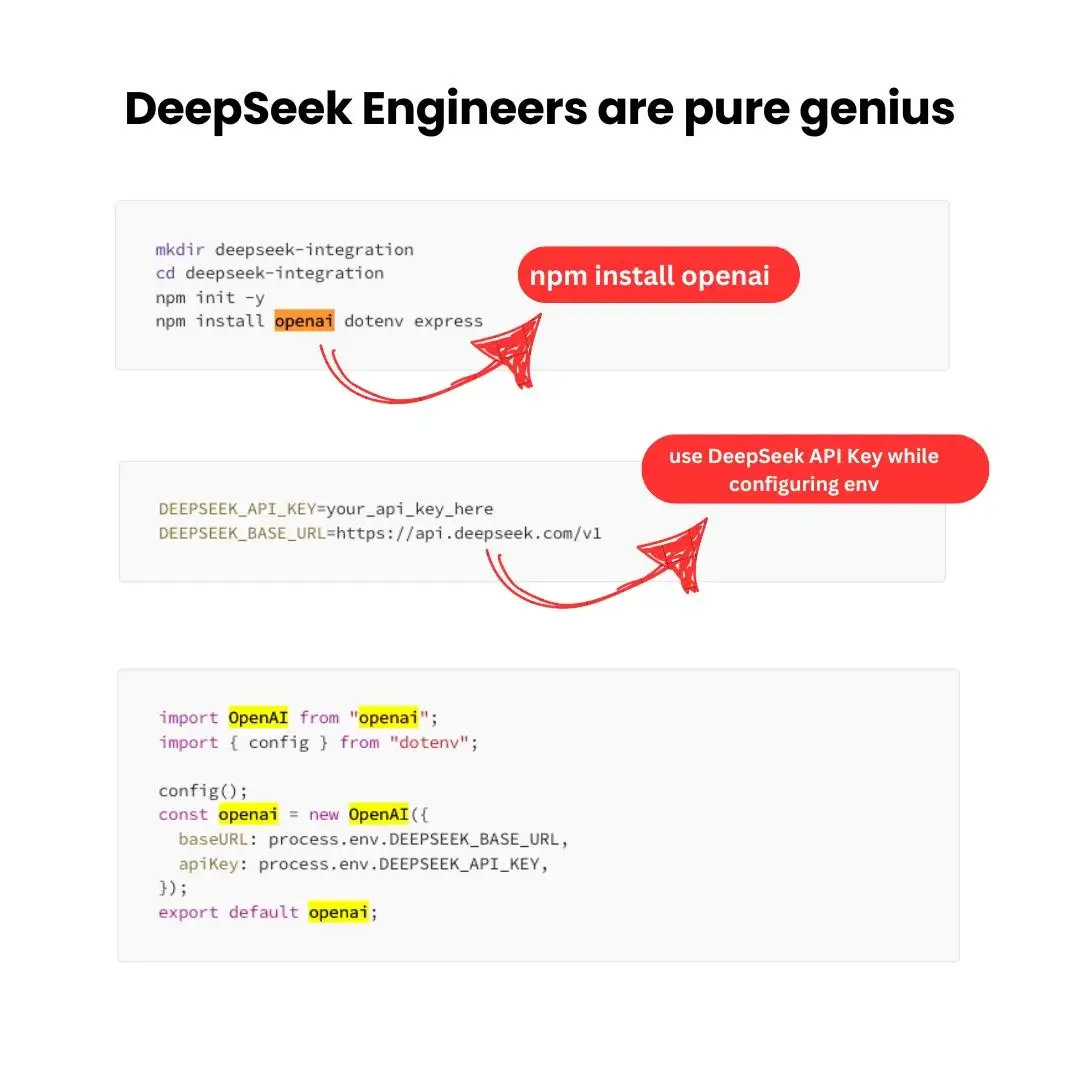
DeepSeek Integration with Node.js
Learn how to integrate DeepSeek AI with Node.js and deploy scalable solutions using AWS.


Machine Learning Basics
Key concepts of machine learning and popular libraries like scikit-learn and TensorFlow.